
Jefferson County Traffic Case Path
Traffic cases in Jefferson County usually begin in a Magisterial District Court, often called an MDJ court in Pennsylvania. The citation does not start in a separate county traffic court. The correct court office depends on the place where the stop or violation arose. Jefferson County has three MDJ offices: Punxsutawney, Reynoldsville, and Brookville. The Court of Common Pleas becomes involved when a summary appeal is filed after an MDJ sentencing or when a traffic-related matter is part of a broader criminal case.
The official Jefferson County Magisterial District Judges page lists each MDJ office, judge, address, phone number, fax number, and municipality group. A driver with a ticket from Punxsutawney Borough, Young Township, or Bell Township should not assume the same office handles a ticket from Brookville Borough, Falls Creek Borough, or Reynoldsville Borough. The court office on the citation and the UJS docket are the best routing clues.
| MDJ office | Municipality group | Address and phone |
|---|---|---|
| 54-3-01, Jacqueline Mizerock | Punxsutawney Borough, Bell, Gaskill, Ringgold, McCalmont, Oliver, Perry, Young, Porter, Timblin, Worthville | 222 N. Findley Street, Suite 110, Punxsutawney, PA 15767; 814-938-9381 |
| 54-3-02, David B. Inzana | Big Run, Brockway, Falls Creek, Reynoldsville, Sykesville, Henderson, Polk, Snyder, Washington, Winslow | 453 E. Main St., PO Box 26, Reynoldsville, PA 15851; 814-653-9611 |
| 54-3-03, Gregory M. Bazylak | Brookville, Corsica, Summerville, Barnett, Beaver, Clover, Eldred, Heath, Knox, Pine Creek, Rose, Union, Warsaw | 182 Main St., Brookville, PA 15825; 814-849-3673 |
Jefferson County Citation Search
The main court-record search path is Pennsylvania UJS Case Search. UJS public docket sheets can be searched, viewed, and printed without a web portal account for many Magisterial District Court and Criminal Court of Common Pleas records. For traffic court records, the useful search types are citation number, participant name, docket number, complaint number, incident number, OTN, and the MDJ court office filter.
The UJS Case Information page also explains public and secure docket access. Public users should expect a docket sheet, not every paper filed in the case. Juvenile, sealed, expunged, pending-expungement, limited-access, destroyed, and some civil Common Pleas docket sheets may be absent even when the search terms are correct.
Use the county, judicial district, and MDJ office filters together when a name search returns too many Pennsylvania traffic cases. The citation number remains the cleanest search field when the ticket is available.
| Field Label | Type | Required | Options / Format Notes |
|---|---|---|---|
| Search By | radio/dropdown | yes | Citation Number, Participant Name, Docket Number, Complaint Number, Incident Number, OTN, and more |
| Citation Number | text | conditional | Best for a known traffic ticket |
| County | dropdown | optional/recommended | Select Jefferson |
| Judicial District | dropdown | optional | Jefferson - 54 |
| MDJS Court Office | dropdown | optional | MDJ-54-3-01, MDJ-54-3-02, or MDJ-54-3-03 |
| Participant Last Name / First Name | text | conditional | Use with county for name searches |
| Date of Birth | date | optional | Narrows common names |
| Docket Type | dropdown | optional | Traffic or Summary Appeal |
| Date Filed Start/End | date | optional | Narrows by filing date |
Jefferson County PAePay Search
Payment status and eligible traffic ticket payments route through PAePay Traffic Ticket or Court Costs. PAePay is not a full court docket search and is not a full PennDOT driver history. It is the official payment search for traffic tickets, court costs, fines, and restitution when a case can be paid through the system.
The PAePay portal is the payment search shown in this county manifest image.
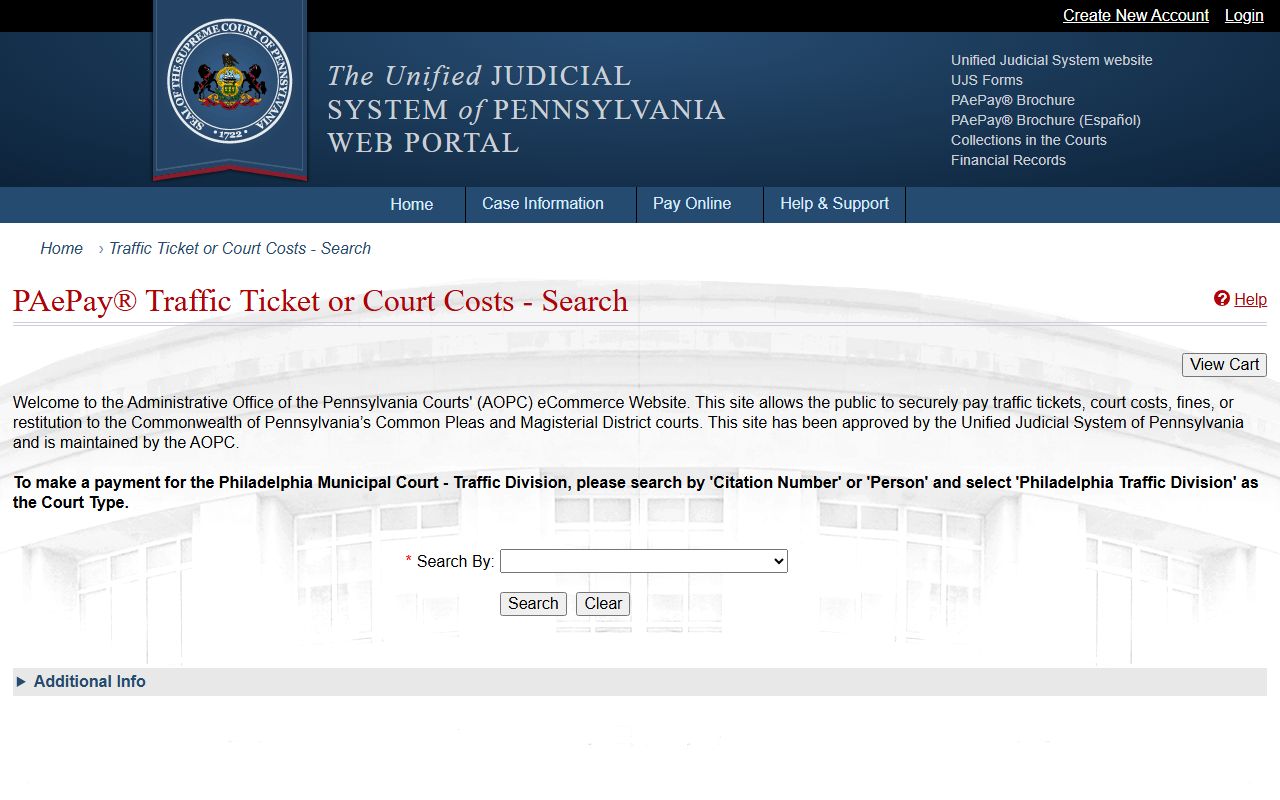
PAePay is most useful after the user has a citation number, docket number, payment plan, or enough person details to narrow a Jefferson County result.
| Field Label | Type | Required | Options / Format Notes |
|---|---|---|---|
| Search By | radio/dropdown | yes | Docket Number, Payment Plan, Citation Number, Person, Organization |
| Docket Number | text | conditional | Use a known court docket |
| Payment Plan | text/build field | conditional | Search by payment-plan information |
| Last Name / First Name | text | conditional | Person search fields |
| Zip Code | text | optional | Narrows a person search |
| Date Of Birth | date | optional | Narrows a person search |
| Citation Number | text | conditional | Ticket or citation search |
| Offense Start Date / End Date | date | optional | Narrows citation and offense searches |
| Court Type | dropdown | optional | Court of Common Pleas, Magisterial District Court, Philadelphia Municipal Court, Philadelphia Traffic Division |
| County / Court Office | dropdown | optional | Select Jefferson and the relevant MDJ office when available |
Pay or Contest Jefferson County Tickets
A Jefferson County traffic ticket can have two tracks: payment if the matter is eligible, or a court response if the person wants to contest it or appeal a summary conviction. The court record should be checked first in UJS, because PAePay only answers payment questions. If the ticket is payable, PAePay may accept the online payment. If the person is contesting the citation or has already been sentenced by an MDJ, the Prothonotary summary appeal rules control the Common Pleas appeal path.
- Use the citation number in UJS Case Search or PAePay.
- Select Jefferson County and Magisterial District Court where the portal permits it.
- Review the docket, court office, disposition, payment status, and any listed costs or fines.
- Pay eligible tickets through PAePay if the case is payable.
- For a summary conviction appeal, file with the Prothonotary within the required appeal period.
- Use the filed appeal copy for the PennDOT points or suspension hold described by Jefferson County.
- Check the PennDOT driver record separately for license points and status.
Note: A traffic payment can close the court-cost issue without showing the full license effect on a PennDOT driver record.
Jefferson County Traffic Records Compared
The court traffic record and the state driver record are separate files. The court record is created by the MDJ court, UJS, the Court of Common Pleas on appeal, and PAePay for payment activity. The driver record is kept by PennDOT. The PennDOT Individual Driver Records portal is used to obtain an online driver record, and the research notes that the user needs driver identity and payment information.
The PennDOT Individual Driver Records portal is shown in this traffic records image.
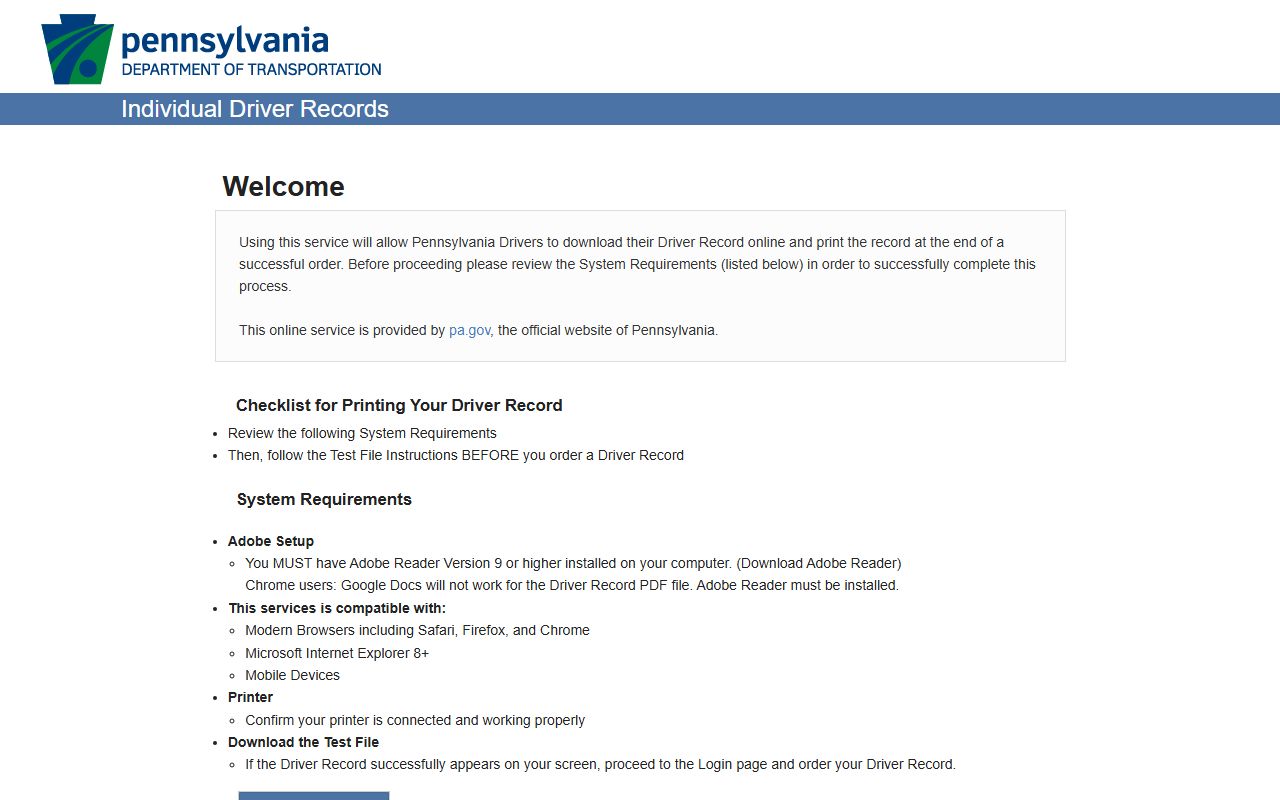
The driver record portal belongs in the traffic search workflow only after the court case or citation has been understood.
| Record | Where | Shows | Does not show |
|---|---|---|---|
| Court traffic record | UJS Case Search, MDJ office, PAePay | Citation, docket, charge, court, fines, costs, disposition, payment eligibility | Complete driver history or all license consequences |
| PennDOT driver record | PennDOT Individual Driver Records | Convictions reported by police and courts, license status, points, suspensions | Full court filings, motions, continuances, judge notes |
Jefferson County Points and Appeals
PennDOT says it keeps a driving record for each licensed Pennsylvania driver and that the Bureau of Driver Licensing receives offense and conviction reports from police and courts. The PennDOT driving record information page explains the state driver-record side. A traffic case that looks complete in court still may need a driver-record check for points, suspensions, or license status.
The PennDOT driver record information page is the source shown in this image.
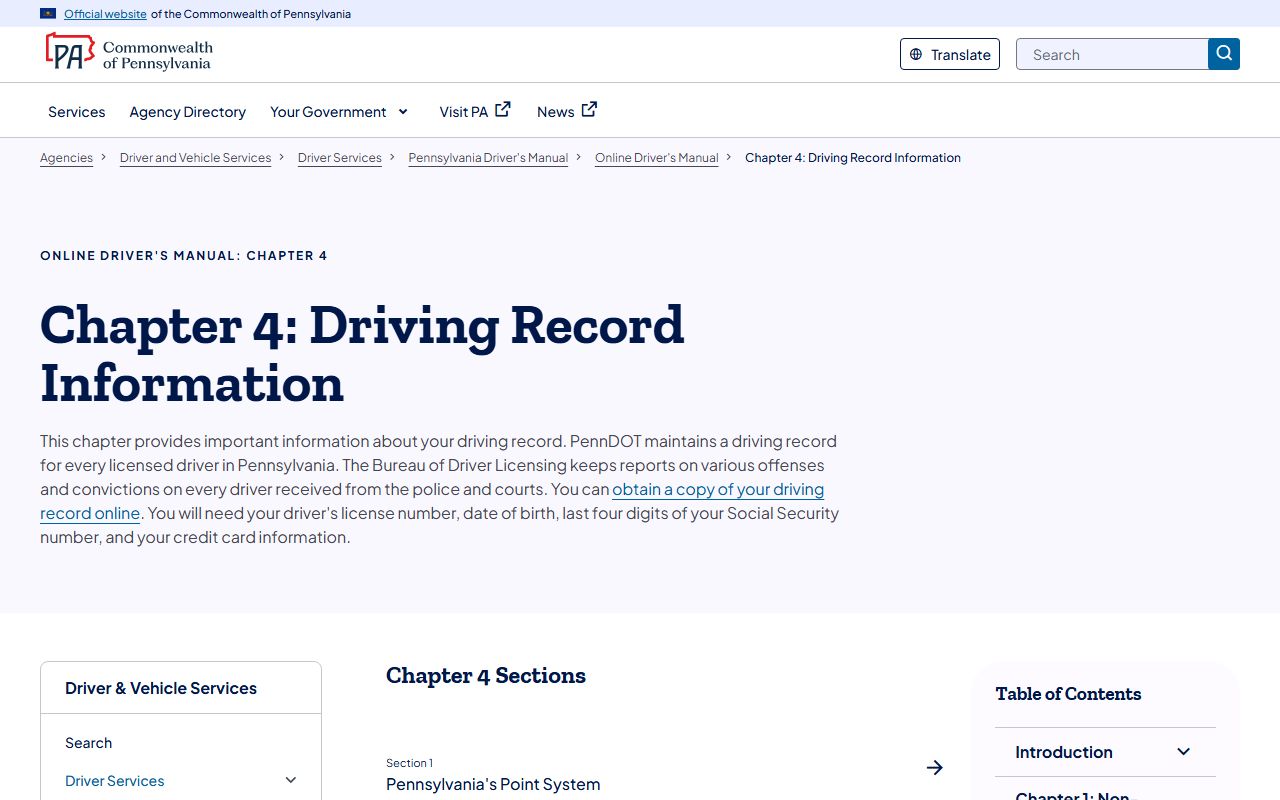
This PennDOT source is useful when the court file shows a conviction but the driver needs to know the state licensing effect.
The PennDOT point fact sheet in the research says points are added when a driver is found guilty of certain moving violations. It also says PennDOT begins corrective action when a record reaches six or more points. Jefferson County's Prothonotary summary appeal instructions add a local process detail: a criminal summary appeal from MDJ sentencing must be filed within 30 days, costs $52.00, and is non-refundable.
After a summary appeal is filed, Jefferson County says the office provides a copy to mail to PennDOT so points and/or suspension are placed on hold until the Common Pleas hearing. If the Common Pleas judge finds the defendant guilty or upholds the MDJ decision, court costs are assessed and collected. If the defendant is found not guilty, no added costs are assessed and money paid at the magistrate is refunded to the payer.
| Traffic item | Official detail |
|---|---|
| Summary appeal deadline | Within 30 days from MDJ sentencing |
| Summary appeal filing cost | $52.00, non-refundable |
| PennDOT hold | Filed appeal copy is mailed so points and/or suspension are placed on hold until Common Pleas hearing |
| Driver record search | Driver's license number, date of birth, last four digits of SSN, and credit card information are needed online |
Jefferson County Traffic Record Fields
A Jefferson County traffic court record should be read as a docket and case-payment file, not as a complete driving history. UJS docket information can show the case identity, case category, dates, event entries, financial activity, and disposition. PAePay can show whether a payment path exists. PennDOT driver records show the license-side result after court and police reports reach PennDOT.
| Field | What It Shows |
|---|---|
| Citation number | The ticket identifier used for UJS and PAePay searches. |
| MDJ court office | The local Magisterial District Court handling the citation. |
| Docket type | Traffic or Summary Appeal when the record is filtered in UJS. |
| Participant name | The person or party tied to the traffic citation. |
| Complaint or incident number | Police or case identifiers that can help locate the matter. |
| Financial information | Costs, fines, restitution if any, paid and unpaid amounts, and payment eligibility. |
| Disposition | Outcome such as guilty, not guilty, dismissed, withdrawn, appeal taken, or sentence imposed. |
Traffic-related DUI or criminal conduct may move beyond ordinary citation handling. The full criminal case file and sentencing path belong with Jefferson County criminal court records.
Jefferson County Traffic Public Access
Traffic court records are part of the Pennsylvania judicial record system. The UJS public records page is the court-record route for public docket sheets and related court information. The Pennsylvania Right-to-Know Law page is relevant for public agency records, but judicial case records are usually handled through judiciary access rules rather than the ordinary county Right-to-Know process.
Traffic records can still have limits. UJS help excludes juvenile records, sealed records, expunged and pending-expungement records, limited-access cases, and records destroyed under retention rules. A citation may also be delayed in public systems soon after filing. If a Jefferson County traffic record cannot be found online, the next official steps are to check the citation for the MDJ office, call the listed MDJ court, or contact the Prothonotary for Common Pleas summary appeal questions.